Coming soon
01
Overview
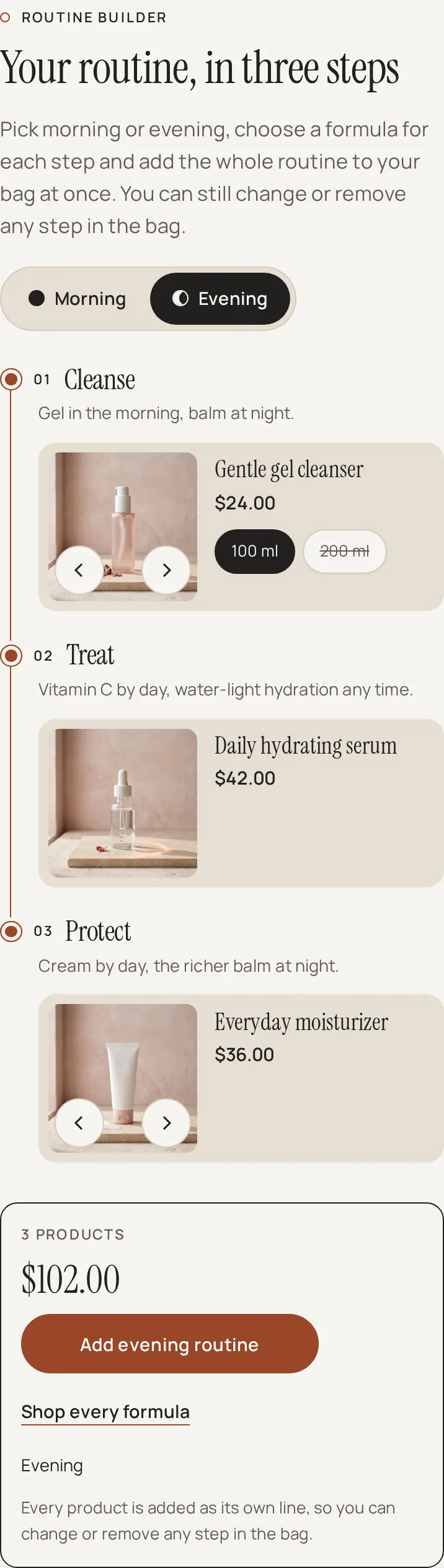
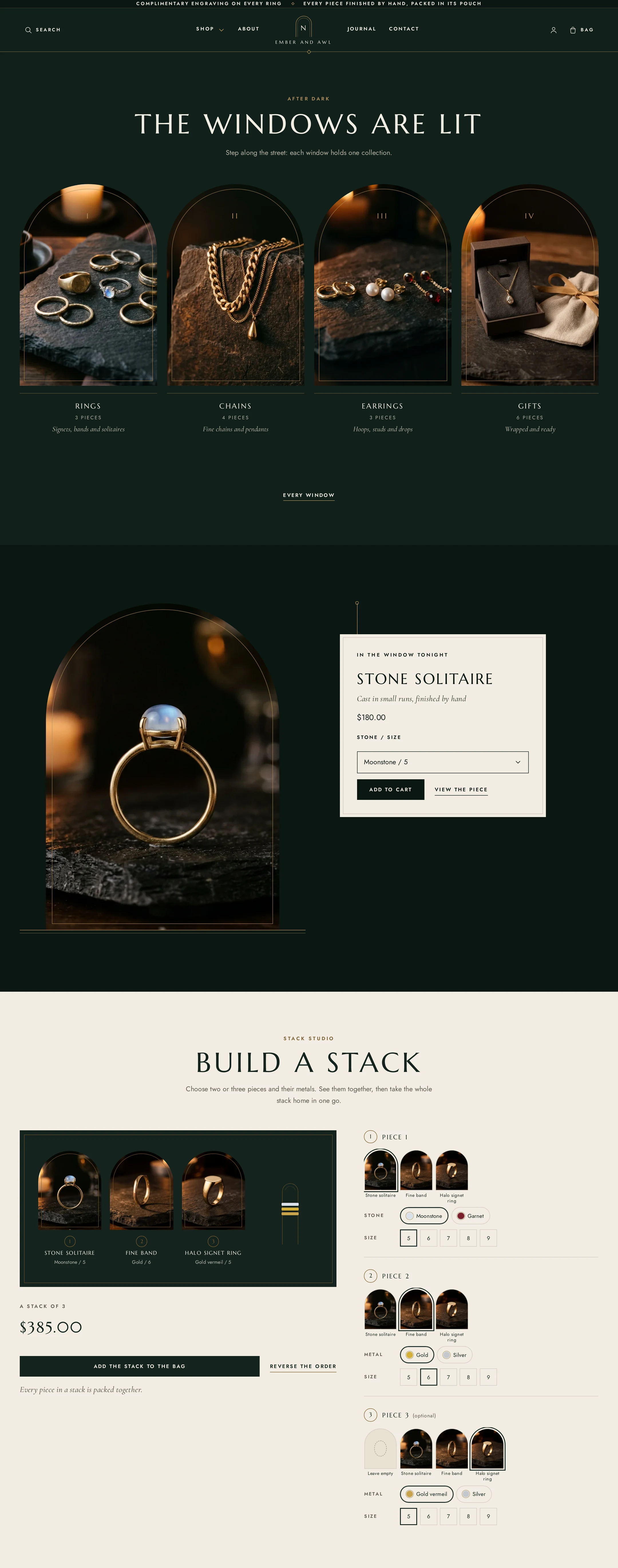
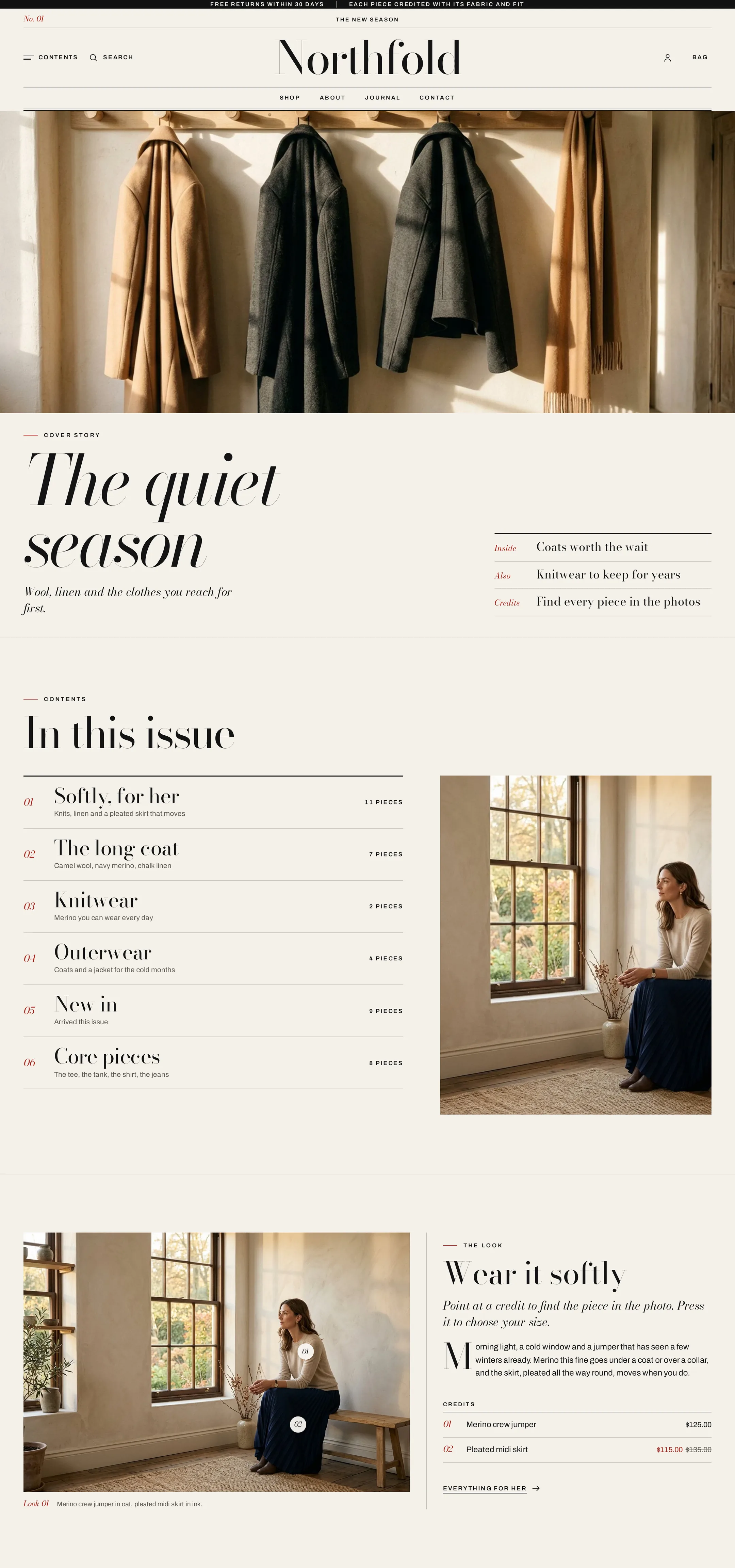
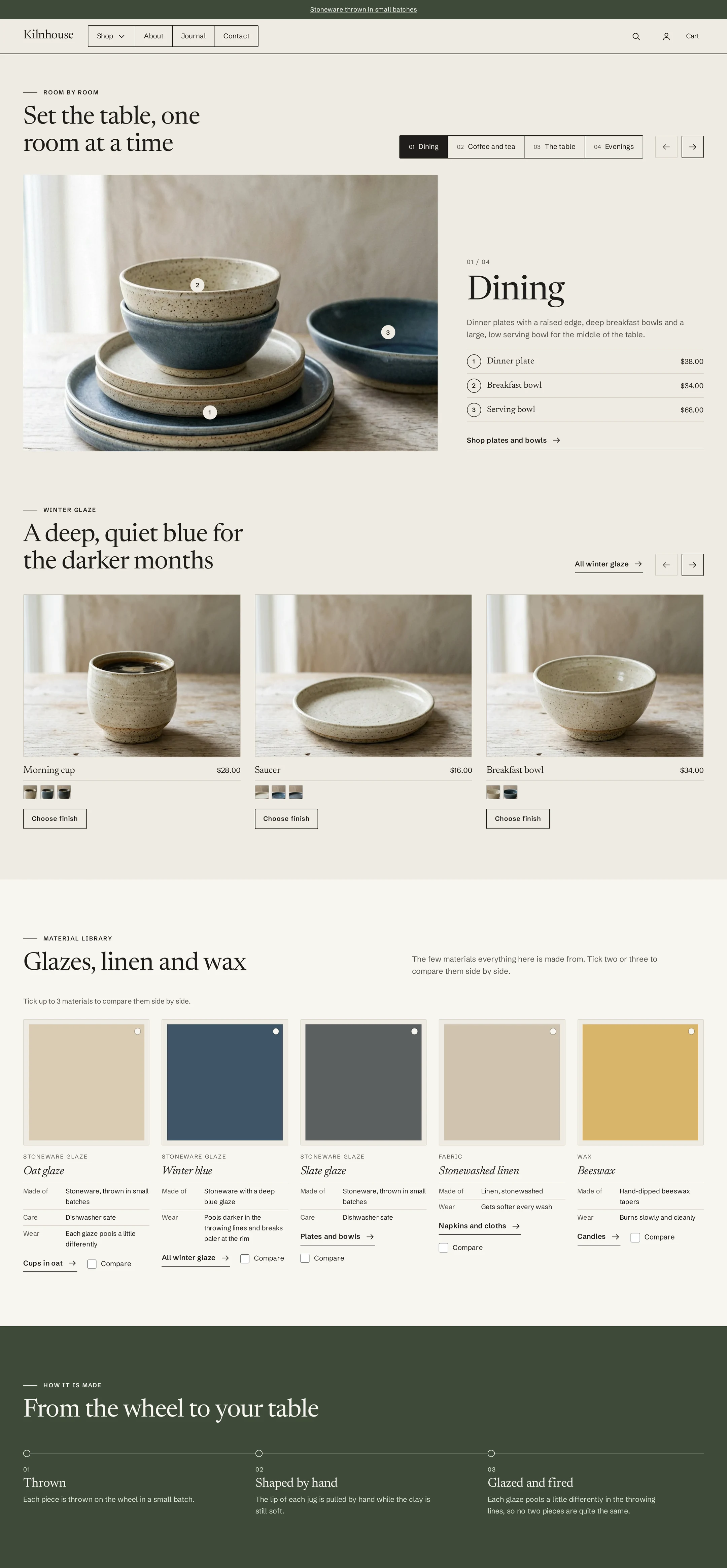
Kaolume is built for skincare and beauty brands. It feels like a calm clinic with clay tones: porcelain, linen and sage, numbered formulas, and everything ordered by step.
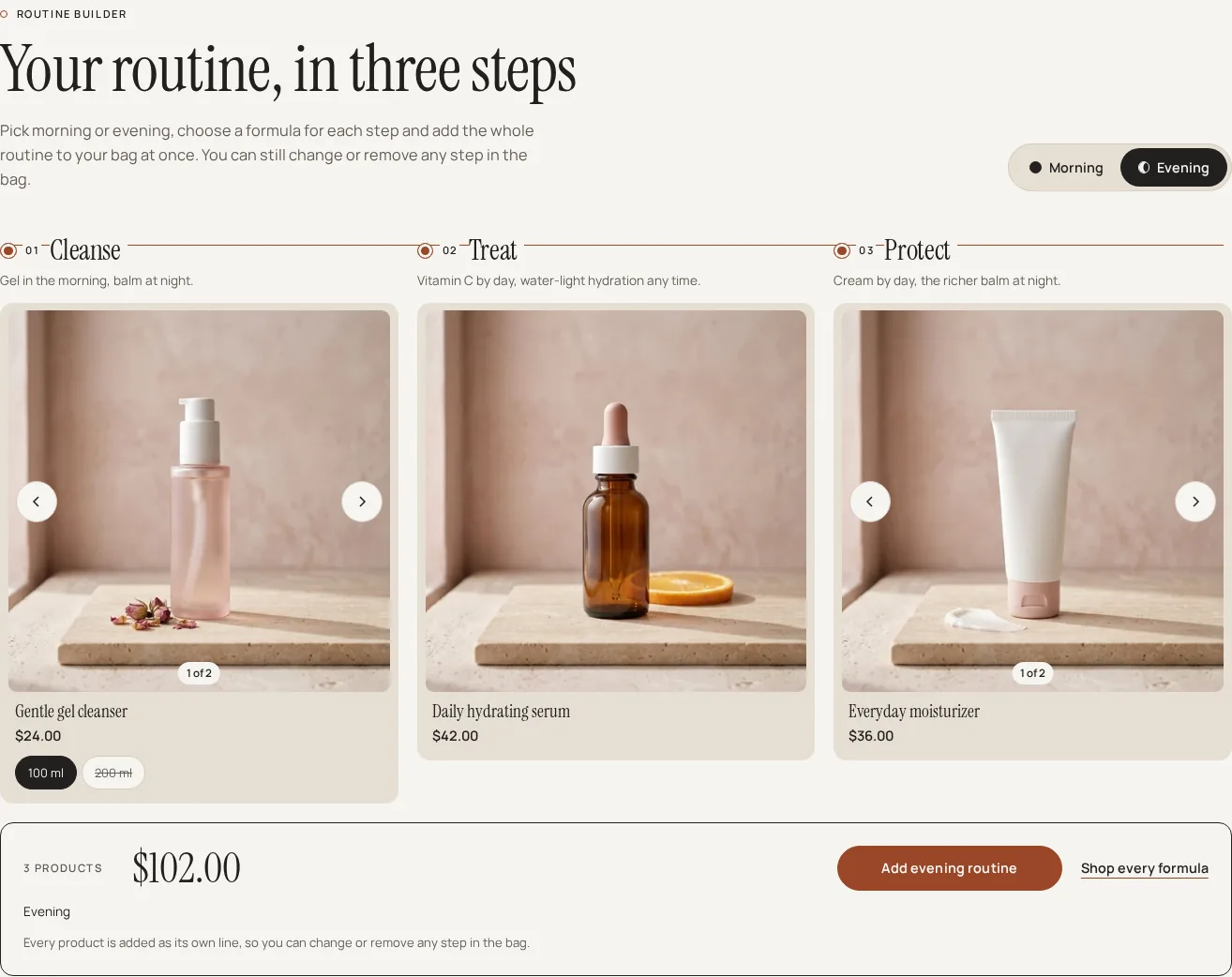
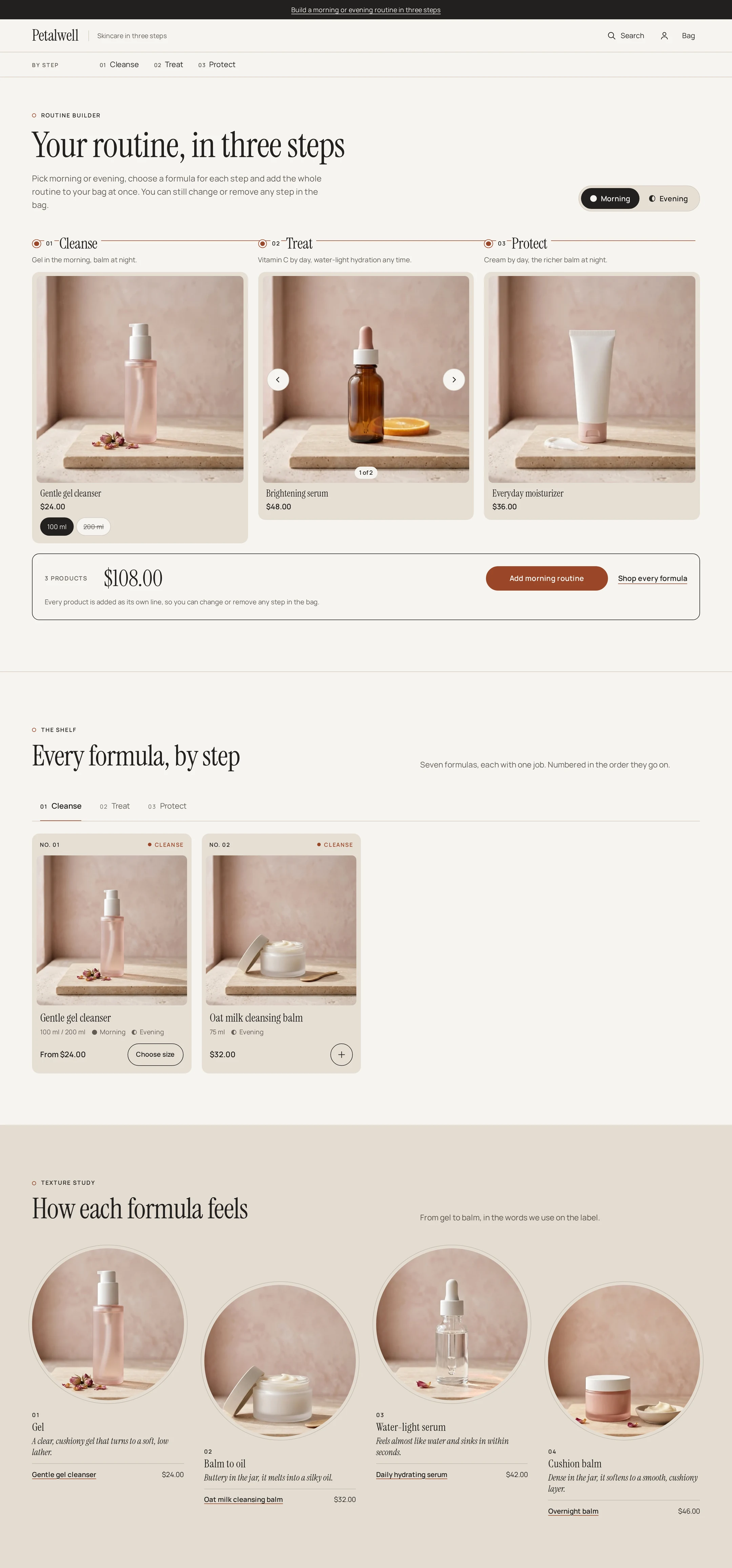
The signature is the Routine builder. Shoppers switch between Morning and Evening, see one formula per step (for example Cleanse, Treat, Protect), swap any step with the arrows, pick a size, and add the whole routine to the bag as separate lines they can still change. In the Shopify version the picks for each time of day come from your product tags, and two simple settings let you decide which words in a product name mean day or night; in the HTML version each time of day has its own list in products.json.
Kaolume comes in two versions, each sold separately: a Shopify theme for Online Store 2.0 and a static HTML template for any host. Both have the same design and signature features; what each version includes is listed below.
Shopify version: what you get
- Header: a step row (01 Cleanse, 02 Treat, 03 Protect) with an optional concern row, search, account and bag; a Menu drawer on phones.
- Home sections: Routine builder, Shelf (a tab per step with numbered formula cards and quick add), Texture study, Ingredient index A to Z and Clinic note.
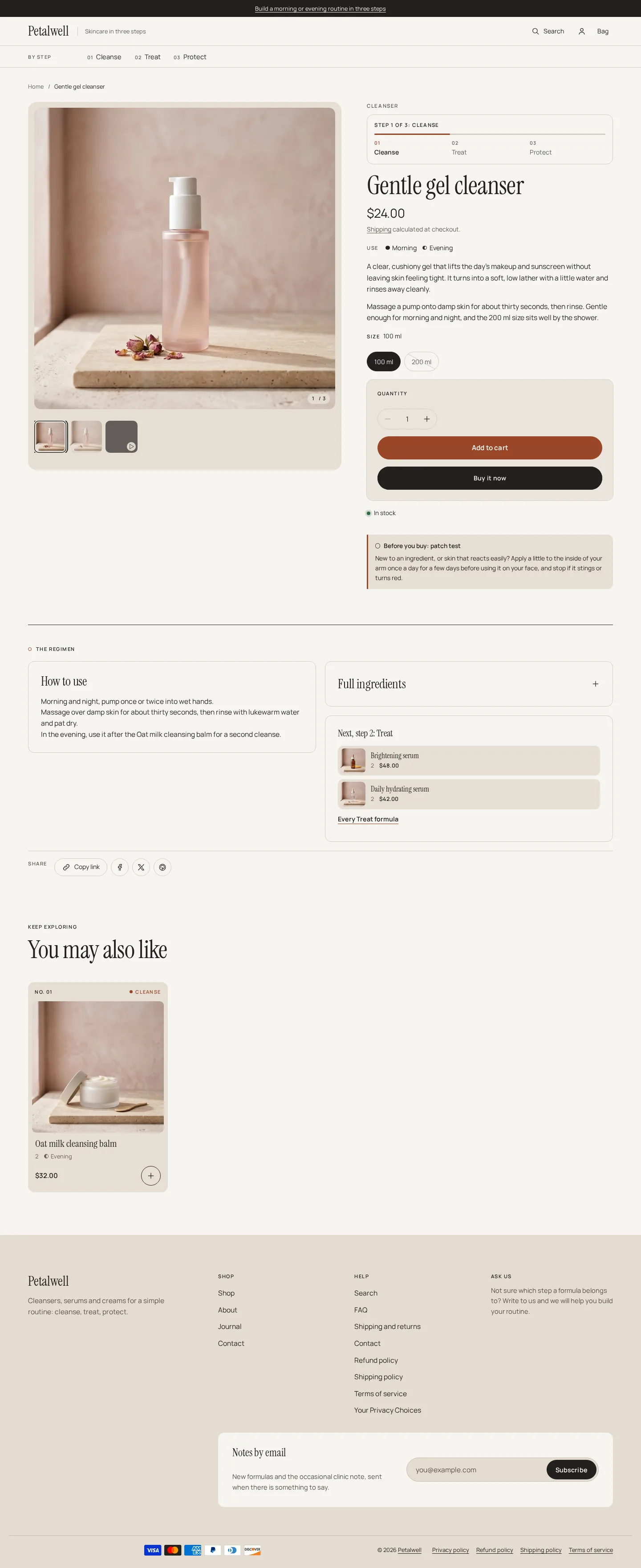
- Product page: routine step bar (step N of 3), Morning and evening, size chips, Key actives, How to use, Ingredients (INCI), Skin type and concern, Texture close-up, a Before you buy note (patch test) and Next in the routine.
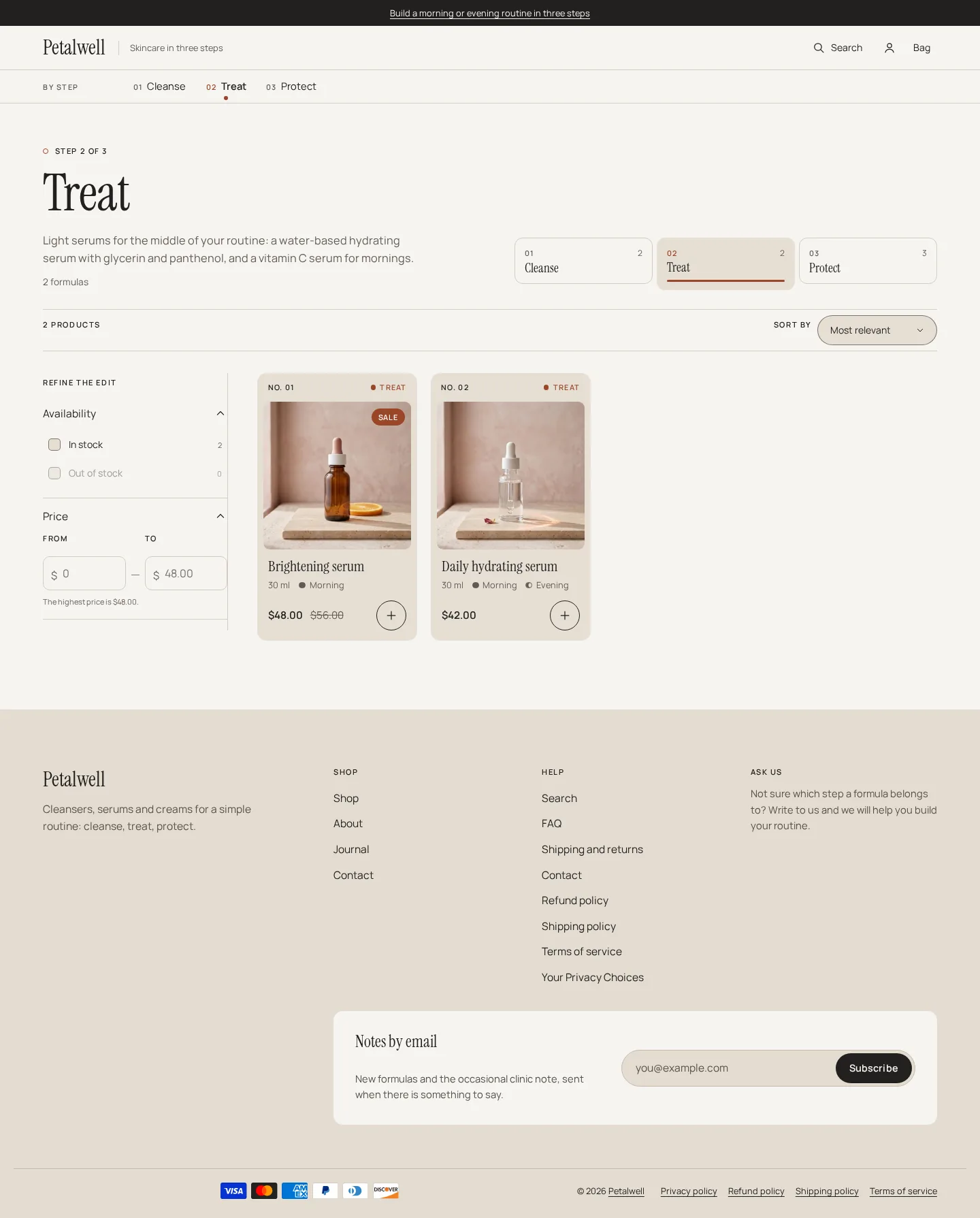
- Collection page: step header and step cards, skin type and concern filter chips from your tags, Shopify filters and sorting, numbered cards with quick add.
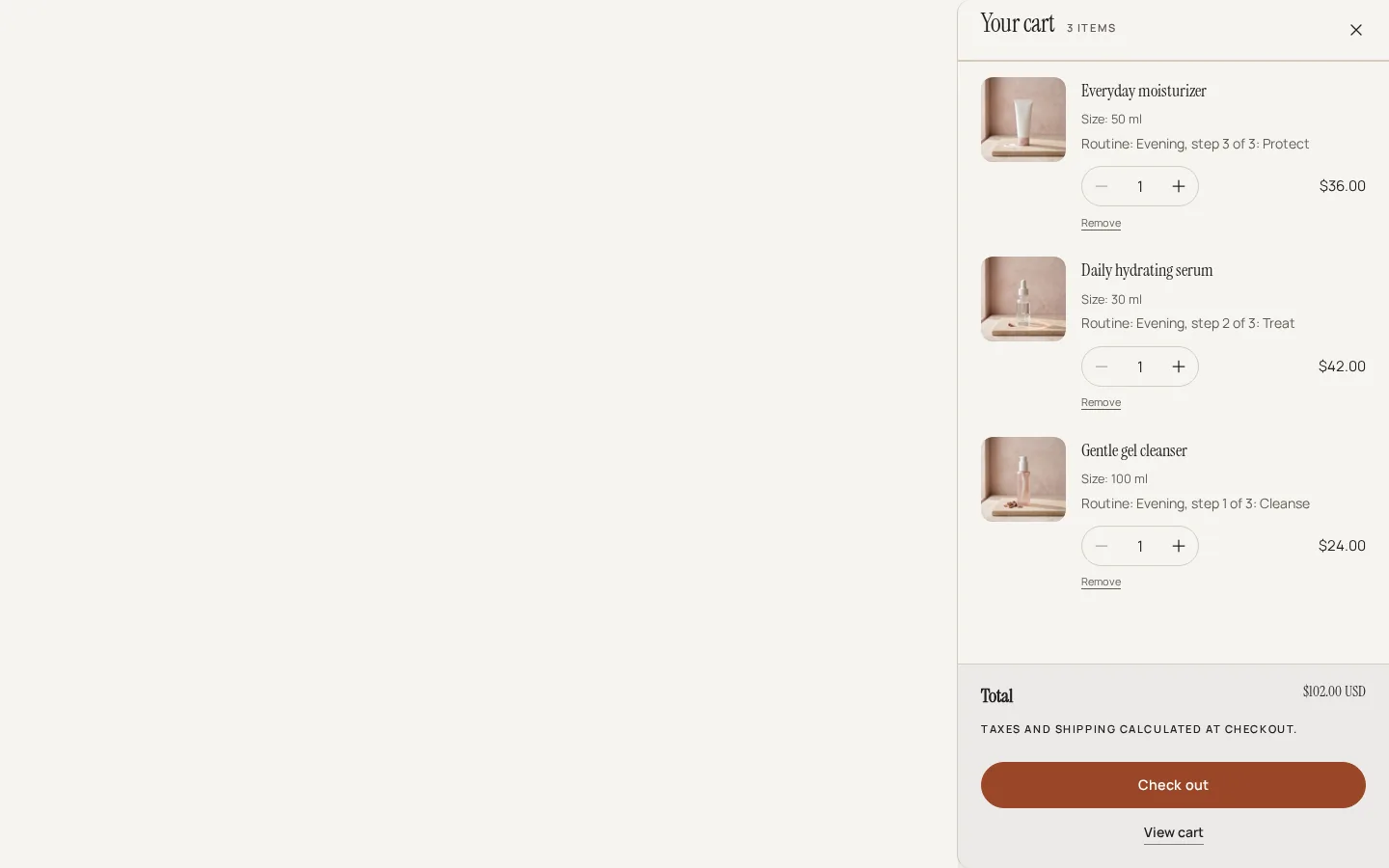
- Shopping: cart drawer with recommendations, quick add with a Choose size dialog, predictive search, recently viewed and pickup availability.
- Online Store 2.0: JSON templates, header and footer section groups, app blocks in the main sections.
- Colour schemes: four, each with its own success and error colours, all checked for AA text contrast. Keyboard focus stays inside open dialogs and drawers.
Good to know (Shopify)
- The ingredient, how-to-use, key-actives, skin-type and texture blocks only show when the product has those metafields. The demo store does not have them filled in, so those blocks are hidden there.
02 Try before you buy
Live demo
The real theme, running. Switch devices to see every breakpoint.
03